Generate Unlimited Emails: Smart Tricks No One Talks About
Learn safe, proven methods to generate unlimited emails for privacy, testing, and growth—without breaking provider rules.

Generate Unlimited Emails: Smart Tricks No One Talks About
Building “unlimited” inboxes is less magic and more technique. Whether you’re a privacy-first user trying to keep your primary address clean, a QA engineer testing sign-up flows, or an operator who needs many addresses for separate projects, there are reliable, safe, and scalable ways to create as many usable addresses as you need — without creating a jungle of independent accounts. This guide explains the practical tricks (aliases, catch-alls, disposable mail), the limits you’ll hit with mainstream providers, current market players and trends, and ten counter-intuitive ideas that challenge how you think about “unlimited” email.
Why “unlimited” usually means “inventive reuse”
Most large providers don’t let you create literally infinite separate accounts without checks. Google, Microsoft and other providers throttle account creation, ask for phone verification, and monitor behavior to prevent abuse. That said, modern email systems and disposable-mail services let you produce effectively unlimited addresses that route to one or a few inboxes — and that’s usually what people mean by “unlimited email.” See Gmail’s guidance on phone verification limits and sending limits for examples. (Google Help)
You can use our service - Tempmail.world to generate unlimited email inboxes for free!
The reliable, production-ready ways to get “unlimited” addresses
Below are concrete, publishable techniques that will let you generate many usable email addresses without violating common provider rules.
1) Plus-addressing (Gmail style)
Gmail and many providers support “sub-addressing” — add a +tag before the @ to make you+project@gmail.com. Mail still lands in your main inbox, and you can filter on the + tag. This is the simplest way to generate many addresses from one account.
Tip: Gmail also ignores dots (e.g., first.last@gmail.com = firstlast@gmail.com) — that’s useful for organization but not a separate account. Google documents that “dots don’t matter.”
2) Alias features (Outlook, Yahoo, Proton, Apple)
Many providers let you add aliases that are real, managed addresses on the same account:
- Outlook.com lets you add additional Outlook addresses as aliases from account settings. (Microsoft Support)
- Yahoo Mail offers temporary (nicknamed) email addresses you can create and retire. (Yahoo Help)
- Proton Mail and Proton Pass support additional addresses/aliases on paid plans. (Proton)
- Apple’s Hide My Email (iCloud+) generates random forwarding aliases for apps and websites. (Apple Support)
Aliases are ideal for privacy (you can disable a single alias), and they avoid the need for phone verification.
3) Catch-all domains and wildcard aliases (own domain)
If you control a domain, set a catch-all mailbox or wildcard alias (*@yourdomain.com) and you can accept mail to unlimited local parts without creating separate mailboxes. Fastmail and many mail hosts support catch-all; transactional/mail-API vendors discuss the caveats (accept-all domains make validation harder).
4) Disposable / temporary mail services
For throwaway addresses, services like Temp-Mail, 10MinuteMail, Guerrilla Mail, YOPmail and Maildrop are designed exactly for this: instant inboxes you toss after use. They’re great for testing and single-use signups, but generally not for long-term account recovery.
5) Developer-friendly APIs and private domains
If you need programmatic creation (QA, automation), pick a provider with an API (Mailinator paid plans, some temp-mail APIs, or your own mail server + catch-all). That gives you predictable rate limits and logs.
6) Forwarding/masked services (Firefox Relay, iCloud, Proton)
Masked forwarding lets you generate addresses that forward to your real inbox but hide it from recipients. They’re the modern recommended approach for privacy-conscious signups. AP and recent coverage recommend masking over throwaways for long-term privacy.
Practical “alias tricks” for the top providers
Here are ready-to-publish snippets you can use in a blog post or knowledge base:
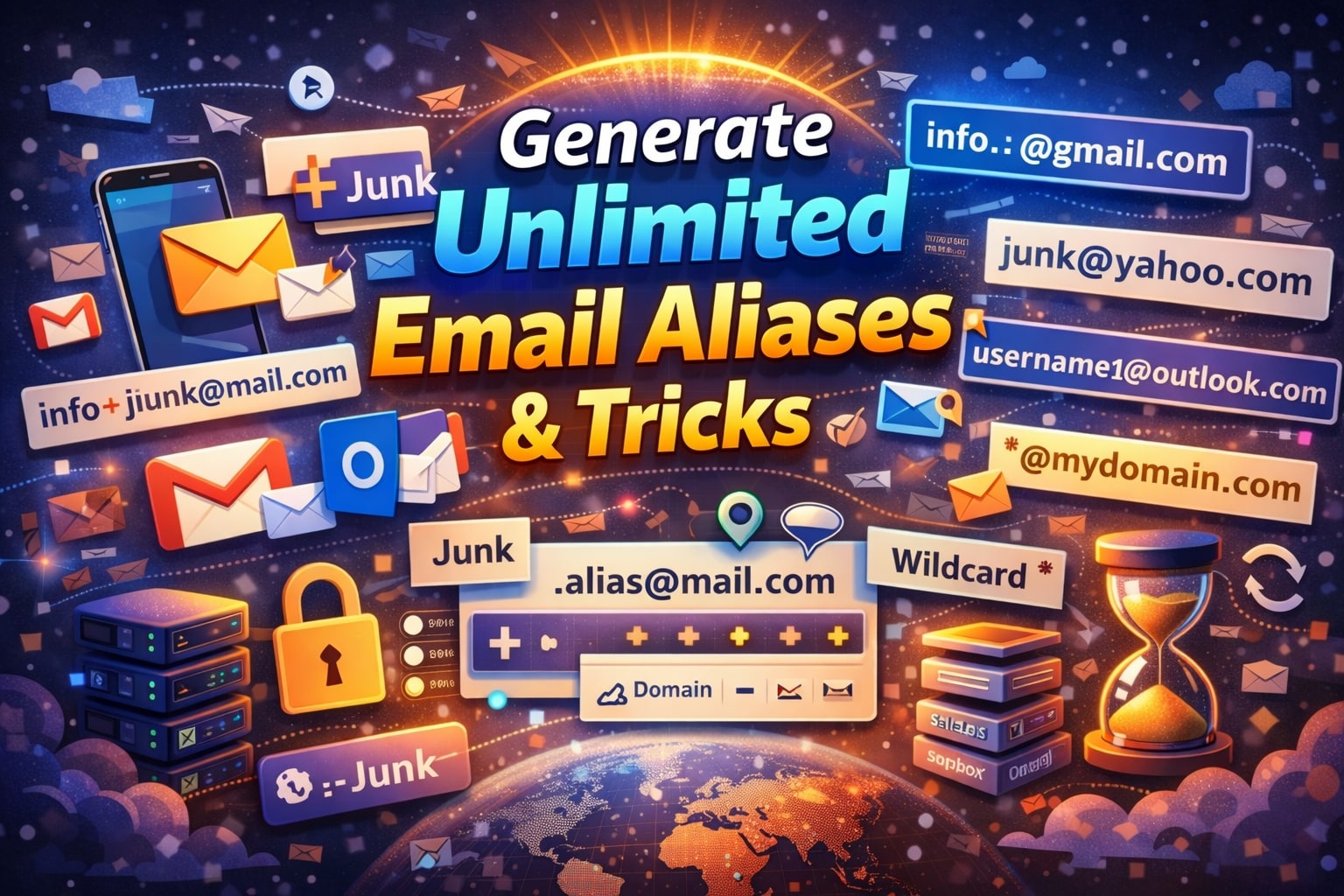
- Gmail — use
username+tag@gmail.com. Dots are ignored — use them for visual separation but not as unique addresses. - Outlook.com — Settings → Add alias → create new Outlook address or add existing. Aliases receive mail in your primary inbox.
- Yahoo — Mail Settings → Mailboxes → Add temporary email address (nickname) and disable when you want.
- Proton Mail — Paid plans allow additional addresses/aliases under Settings → Identities & addresses.
- Fastmail — create aliases or set a catch-all for your custom domain to generate unlimited local parts.
- Apple iCloud+ — Hide My Email generates unique random addresses tied to your Apple ID. Great for app signups and single-vendor use.
- Mailinator / Maildrop / YOPmail — create any
username@mailinator.com(public inbox) orsomething@maildrop.ccto receive test mail. Not for private personal use. - tempmail.world — use a disposable mailbox from services like tempmail.world for throwaway signups (receive-only; great when you don’t want any trace in your main inbox).
Ten ideas that challenge readers’ assumptions
- “Unlimited” doesn’t require unlimited accounts. Plus addressing and catch-alls give the same practical result with fewer accounts.
- Throwaway ≠ private. Disposable services are ephemeral and sometimes public; masking/forwarding is better for privacy.
- Dots aren’t separate accounts. Gmail ignores dots — so
john.smithandjohnsmithare the same inbox. - Aliases improve deliverability, not harm it. Using aliases under your own domain maintains SPF/DKIM reputation better than splintering across many accounts.
- More addresses ≠ more safety if you reuse passwords. Unique addresses matter, but unique credentials matter more.
- You don’t need a new provider for each use-case. One paid inbox + catch-all + filtering rules covers most needs.
- Public temp inboxes are not for passwords or recovery. They’re often readable by anyone who guesses the name.
- High volume sending is regulated by the receivers. Gmail and big providers limit large senders and require authentication for big daily volumes.
- Disposable mail can harm deliverability for your main domain. Using throwaway addresses in lists can introduce bounces and spam traps.
- Masking services are the future of consumer email privacy. Apple, Proton and others are investing in masked forwarding and alias models.
Practical recipes (quick copy-paste)
- Need a disposable signup that forwards? Use an iCloud Hide My Email alias or Proton masked alias.
- Need 500 distinct addresses but one inbox? Buy a domain, set a catch-all (
*@mydomain.com) and createproject1@,project2@, etc. Fastmail and many hosts support this. - Need ephemeral, anonymous addresses? Use Temp-Mail or 10MinuteMail (tempmail.world can be used similarly for instant mailboxes). Remember: these are receive-only and often public.
Safety, deliverability and compliance (short checklist)
- Authenticate your domains: SPF, DKIM, and DMARC. Recipients treat unauthenticated bulk mail as suspicious.
- Don’t buy lists or blast unconsenting recipients — anti-spam laws (CAN-SPAM, GDPR in EU) apply.
- If you send >5,000 messages/day to Gmail accounts, Google requires authenticated sending and unsubscribe options. Plan for warmed IPs and a reputable ESP.
FAQ / People also ask
Can I create unlimited Gmail accounts? Google does not publish a hard cap on the total number of Gmail accounts a person may hold, but it does limit how many accounts a single phone number can verify and enforces anti-abuse measures. In practice you can create many accounts, but you’ll hit phone verification gates and abuse detection if you try to mass-create accounts. Use aliases, catch-alls, or dedicated domains instead of trying to spin up hundreds of separate Gmail accounts. (Google Help)
How can I send 1000 emails for free? There’s no sustainable “free” way to reliably send 1,000 legitimate marketing emails per day without using an email service provider’s free or trial tier. Many ESPs offer free monthly sending allowances (use them for legitimate lists), but for daily high volume you’ll quickly need a paid plan or a transactional mail provider (and you must authenticate your domain). Also watch provider sending limits (Gmail, Workspace) which restrict per-day sends per account. (Google Help)
How to create 500 email accounts? If you truly need 500 distinct addresses, the best method is to: (1) buy a domain, (2) use a mail host that supports catch-all or alias creation, or (3) use programmatic APIs from a mail provider. That gives you 500 local parts without phone-verifying 500 separate consumer accounts. For testing, disposable services or Mailinator-style private domains (paid tier) are also options. (Fastmail)
How to send 10,000 emails daily? Sending 10k/day is a scale problem. Use a reputable ESP or transactional email provider with dedicated IPs, warm-up plan, strict list hygiene, and proper SPF/DKIM/DMARC. Google explicitly requires authenticated sending and unsubscribe handling for senders that send thousands of messages to Gmail addresses. Also comply with regional laws and monitor engagement to protect deliverability. (Google Help)
Final notes & best practice TL;DR
- If your goal is privacy and low friction, use masked forwarding (Apple/Proton/Firefox Relay) or disposable mail for single-use signups. (Apple Support)
- If your goal is many persistent addresses with a single inbox, get a domain and use catch-all + filtering. (Fastmail)
- If your goal is bulk sending, stop thinking in “account count” and start thinking in infrastructure (ESPs, authentication, deliverability). (Google Help)
If you want, I can convert the practical recipes above into a one-page “how-to” poster for your blog (short steps + screenshots) or produce the exact SEO meta description and LSI keyword set optimized for the term generate unlimited emails so the post ranks well. Which would you like next?
Explore More Articles
Discover more insights about privacy, security, and digital communication.
View All Articles© 2026 Tempmail.world. All rights reserved.