The Ultimate Guide to Temporary Email Services
Learn everything you need to know about temporary email services, how they work, and why they're essential for protecting your privacy online.

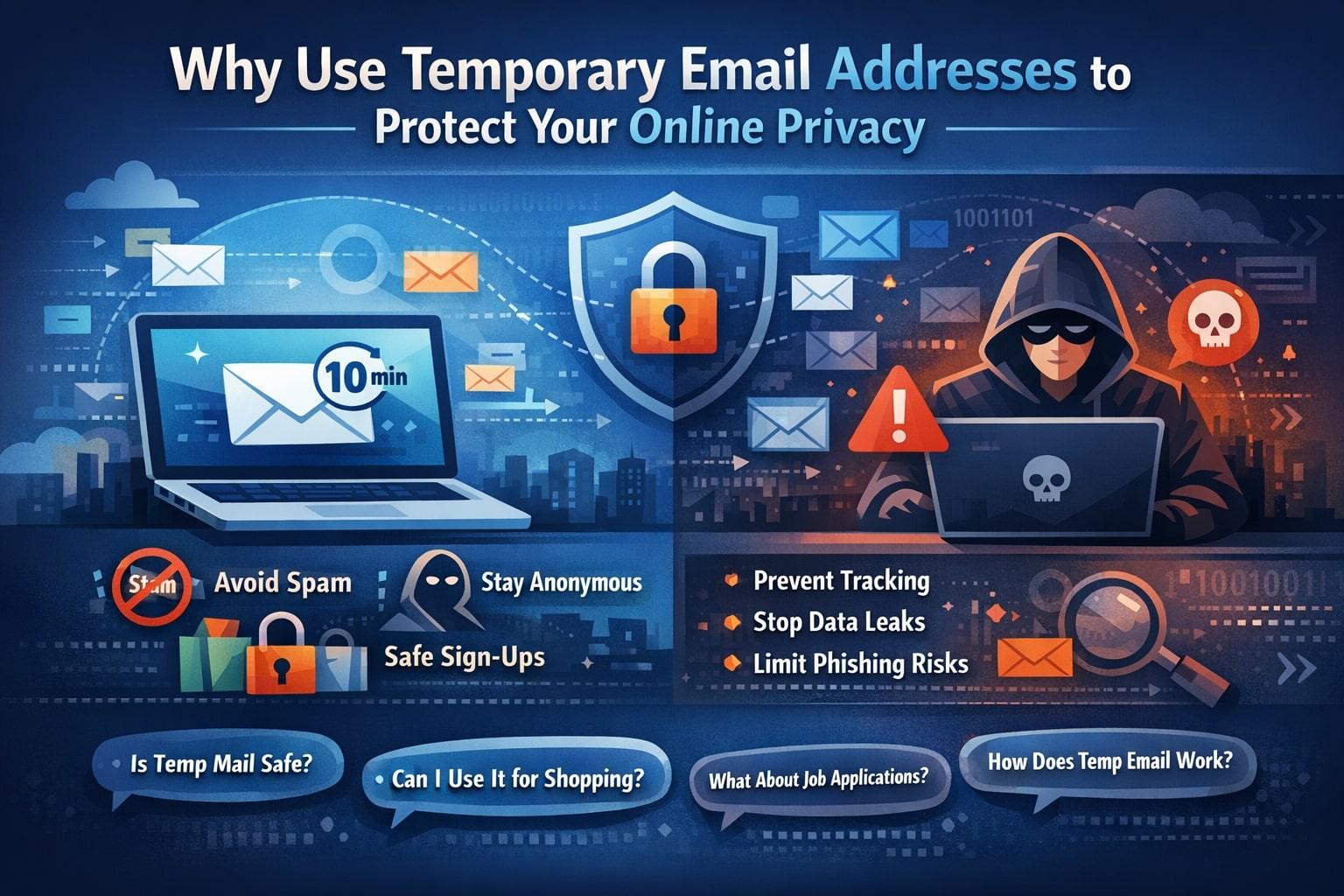
Why Use Temporary Email Addresses to Protect Your Online Privacy
Temporary (aka disposable or burner) email addresses feel like a small trick — but they’re one of the easiest privacy moves you can make today. In this guide I’ll challenge common assumptions, walk through when burner emails help (and when they hurt), show the current market leaders, and give practical, low-friction ways to use temporary addresses safely. Wherever I lean on hard facts or market lists I’ll point to up-to-date sources so you can follow along.
Quick snapshot: what a temporary email is (and isn’t)
A temporary email address is a throwaway inbox you create to receive verification messages, one-off downloads, or signups you don’t want tied to your main account. It’s designed to expire (or be disposable), so long-term mail, password resets, and two-factor tokens don’t rely on it. Use it to stop spam, reduce tracking, or keep your personal inbox focused on mail that matters.
Tech reviewers and privacy teams still recommend burner addresses for short-lived tasks; they’re widely supported by services like Temp-Mail, Mailinator, Guerrilla Mail, 10MinuteMail and others.
Top 10 competitors (what people actually find on Google)
Here’s the quick list of services you’ll run into when you research disposable email in 2024–2025, with a short note so you can pick a type that fits your goals:
- TempMail.world / TempMail — very popular, easy UI, unlimited free mailboxes and ability to save emails. (Temp Mail)
- Mailinator — public inboxes useful for testing and development (not for private data). (Mailinator)
- Guerrilla Mail — longstanding option that supports custom addresses and attachments. (guerrillamail.com)
- 10 Minute Mail — ultra-short-lived addresses for 1–10 minute uses. (sendigram.com)
- EmailOnDeck — quick disposable addresses, sometimes used by crypto/one-off registrants. (atomicmail.io)
- YOPmail / Maildrop — very low-friction, public inbox styles for quick checks. (sendigram.com)
- AdGuard Temp Mail — newer, privacy-first disposable inbox from a known ad-blocking vendor. (atomicmail.io)
- Internxt Temporary Email — privacy-focused vendor pairing disposable email with encrypted services. (internxt.com)
- Proton (aliases/throwaway workflows) — Proton isn’t a traditional temp-mail generator, but privacy-first providers are pushing “alias” features that reduce the need for disposable public inboxes. (TechRadar)
- Mail7 / niche developer tools — developer-focused testing tools and commercial disposable inboxes used in QA and automation. (mail7.app)
(Why list these? Because different burner services have different threat models: public vs private inboxes, send-only vs receive capabilities, and retention policies — pick with that in mind.)
Latest trends & data you should know (short, punchy)
- 2024–2025 saw mass compilation leaks of billions of email addresses scraped from older breaches — meaning your primary address is more likely than ever to show up in criminal lists. Using disposable addresses for low-value signups reduces exposure. (Surfshark)
- Phishing and email-delivered malware remain the dominant vectors for compromise: industry reports continue to show email is the single largest delivery mechanism for malware and credential theft — so reducing your footprint matters. (Verizon)
- Marketers and ops teams are fighting back: real-time email validation and double opt-in are now standard ways to filter temporary or invalid addresses at signup (and can cut invalid/temporary emails dramatically). That helps businesses keep lists clean — and explains why some sites block burner addresses. (serversmtp.com)
10 ideas that challenge your assumptions about temporary email
-
“Burners are just for hiding from spam.” No — they’re also an identity management tool. Use different burner addresses for different categories (finance newsletters vs freebies) to trace where your data was shared.
-
“Disposable = insecure.” Some disposables are public; others (self-hosted aliases, privacy-focused vendors) are far safer. knowing which type you use matters more than the label.
-
“If it’s temporary, I’ll lose access to important stuff.” That’s true if you use a burner for permanent accounts. But the right pattern is to use burners only for one-off or low-risk signups — not for banks or job portals.
-
“All temporary services are anonymous.” Not always. Some free services keep logs or sell analytics. Always check the privacy policy and retention rules.
-
“Using a burner is dishonest.” It’s privacy hygiene. You aren’t impersonating anyone — you’re reducing unwanted data collection. Think of it like using cash instead of the convenience card when you don’t want to be tracked.
-
“Sites will block burner addresses.” Many do — but some services (especially smaller vendors) still accept them. Also, using high-quality alias/forwarding services (SimpleLogin, AnonAddy) balances privacy and deliverability.
-
“Temporary email solves phishing.” It reduces risk by decreasing the number of channels attackers can reach, but it does not stop phishing aimed at your primary accounts.
-
“Disposable addresses break automation.” For developers and QA, disposable inboxes are a boon (Mailinator-style) — they speed testing and reduce the need for maintenance credentials.
-
“Temporary email is only for consumers.” Companies use disposable aliases internally for vendor testing, recruitment phishing drills, and product QA — it’s a legitimate operational tool.
-
“All burner mails are free.” Paid (or paid-tier) disposable services now exist that offer private inboxes, custom domains, or extended retention — an option when privacy + reliability matters. (atomicmail.io)
When to use a temporary email (practical checklist)
Use a burner when:
- You want to test a sign-up or download quickly.
- You’re interacting with a sketchy or unknown site (contest, coupon, single-use tools).
- You want to avoid newsletter drift into your primary inbox.
- You want to separate promotional receipts from personal finances.
Avoid a burner when:
- The account requires password recovery, receipts, or two-factor authentication.
- It’s for legal, medical, financial, or hiring purposes (documents, job apps — more on that in the FAQ).
- You may need to prove ownership or receive long-term communication.
Risks and how to mitigate them
- Public inboxes can be read by others. Mailinator-style public inboxes don’t authenticate — anyone who knows the address can view messages. Don’t use these for any sensitive flow. (Mailinator)
- Some disposables are on blocklists. Marketing and ticketing platforms maintain blocklists; services may reject temp addresses during signup. Be prepared with a modern alias or a dedicated email alias feature from your provider. (serversmtp.com)
- Retention and logging vary. Free services may log or sell metadata. If you need privacy guarantees, choose a provider with a clear no-logs policy or self-host an alias service (AnonAddy, SimpleLogin clones). (Merlin AI)
Mitigations: Prefer private aliasing services (forward-only, tied to your real account, revocable), enable MFA on your real inbox, and never forward sensitive links through disposable public inboxes.
How to use temporary email well — a short workflow
- Decide the risk level of the signup (low / medium / high).
- For low-risk use a public disposable inbox (quick tests).
- For medium-risk (site you might revisit) use an alias/forwarding service or a premium disposable mailbox with private inbox and short retention.
- For high-risk (accounts you care about) — don’t use disposable addresses. Use your primary or a permanent alias under your control.
- Keep a short log of which burner you used for which site (helps revoke or trace leaks).
- If you rely on receipts, 2FA, or long-term access — create a proper account with a permanent email.
FAQs (People Also Ask)
Why use a temporary email? Temporary email reduces spam, limits tracking, and stops websites from adding your primary address to marketing lists. It's a simple privacy layer for one-time or risky signups — fast to create and easy to discard. For development and QA it also speeds workflows by providing predictable, disposable inboxes. (Surfshark)
Is it safe to use temp mail? It depends. Disposable emails are safe for non-sensitive tasks (newsletters, one-off downloads). Public disposable inboxes, however, can be read by anyone who knows the alias. For stronger safety, use forward-only aliases or paid/private disposable services that promise no-logs and short retention. Always check a provider’s privacy policy. (DeleteMe)
Why use temp email for online shopping? Use a burner for sites you don’t fully trust or for flash sales where you want to avoid promotional clutter. But do not use disposable addresses for stores where you expect order updates, returns, or receipts you may need later. For purchases you care about, use your primary email or a permanent alias tied to your account. (Surfshark)
Can I use temporary emails for job applications? Short answer: no. Job applications require verifiable contact info and follow-up. Recruiters expect long-term reachability (interviews, offers, legal docs). Use your primary email or a dedicated professional alias you control — otherwise you risk missing interviews or background checks. (If you’re protecting privacy during an initial exploratory outreach, a professional alias that forwards to your real inbox is a better pattern than a purely disposable public mailbox.)
Final thoughts: small habits, big effects
Temporary email addresses aren’t a perfect privacy shield, but they’re a practical tool that reduces noise, narrows attack surfaces, and gives you control over which services can contact you. In a world where billions of emails have been compiled and phishing remains the leading attack vector, favoring disposable or alias workflows for low-value interactions is just smart hygiene. Pick the right type of burner for the job — public inbox for throwaway tests, private aliasing for semi-persistent needs — and avoid using them where you need long-term access.
If you want, I can:
- Draft a short cheat sheet of which provider to use for specific tasks (testing, shopping, newsletters), or
- Build a one-page log template (Markdown) so you can track which burner you used where.
Sources & further reading
- TechRadar — Best temporary email services (reviewed list). (TechRadar)
- Mailinator — public disposable inbox features and developer tooling. (Mailinator)
- Surfshark research — aggregated 2024 breach compilation (billions of email addresses). (Surfshark)
- Verizon / DBIR & industry reports — ongoing email/phishing threat landscape. (Verizon)
- Serversmtp / CRO & deliverability research — effects of validation and double opt-in on list hygiene. (serversmtp.com)
- AtomicMail & Mailbox.org — balanced writeups on use cases, risks, and safer options. (atomicmail.io)
Explore More Articles
Discover more insights about privacy, security, and digital communication.
View All Articles© 2026 Tempmail.world. All rights reserved.